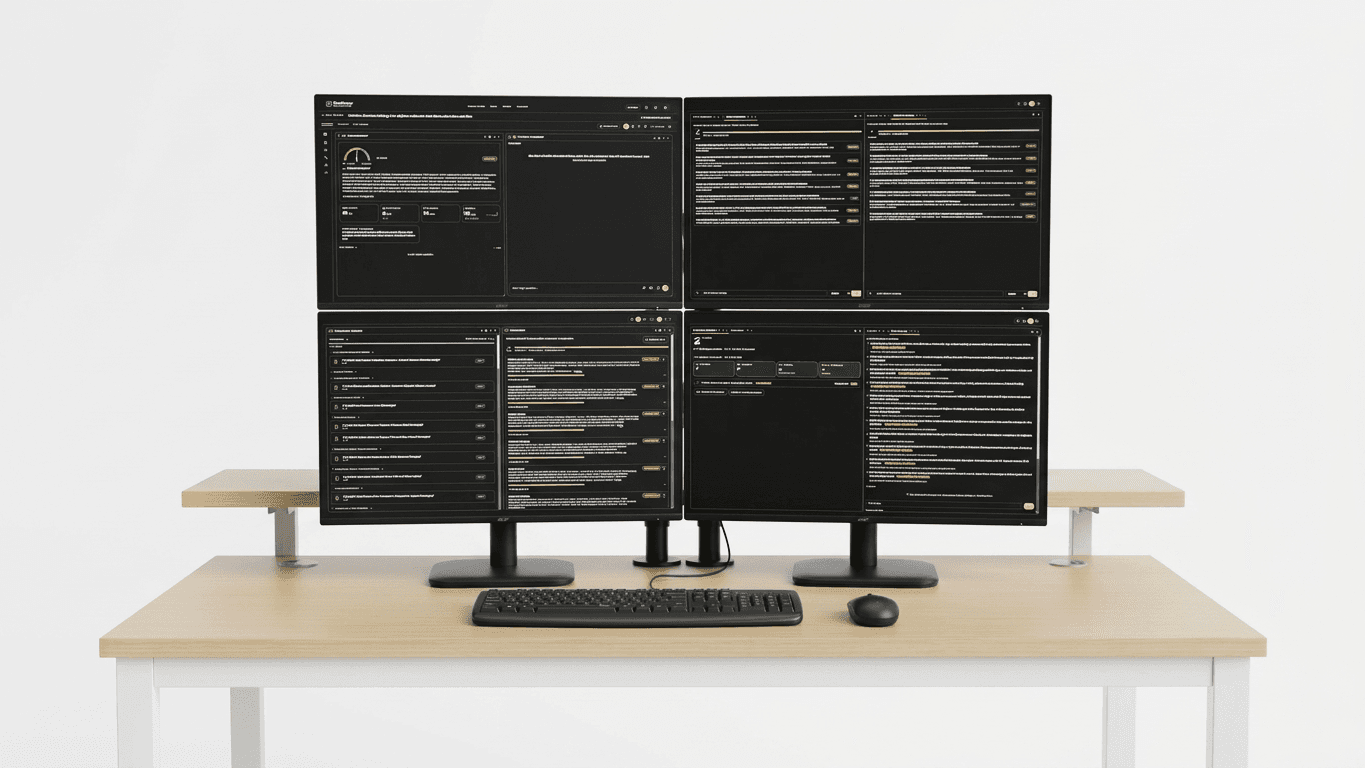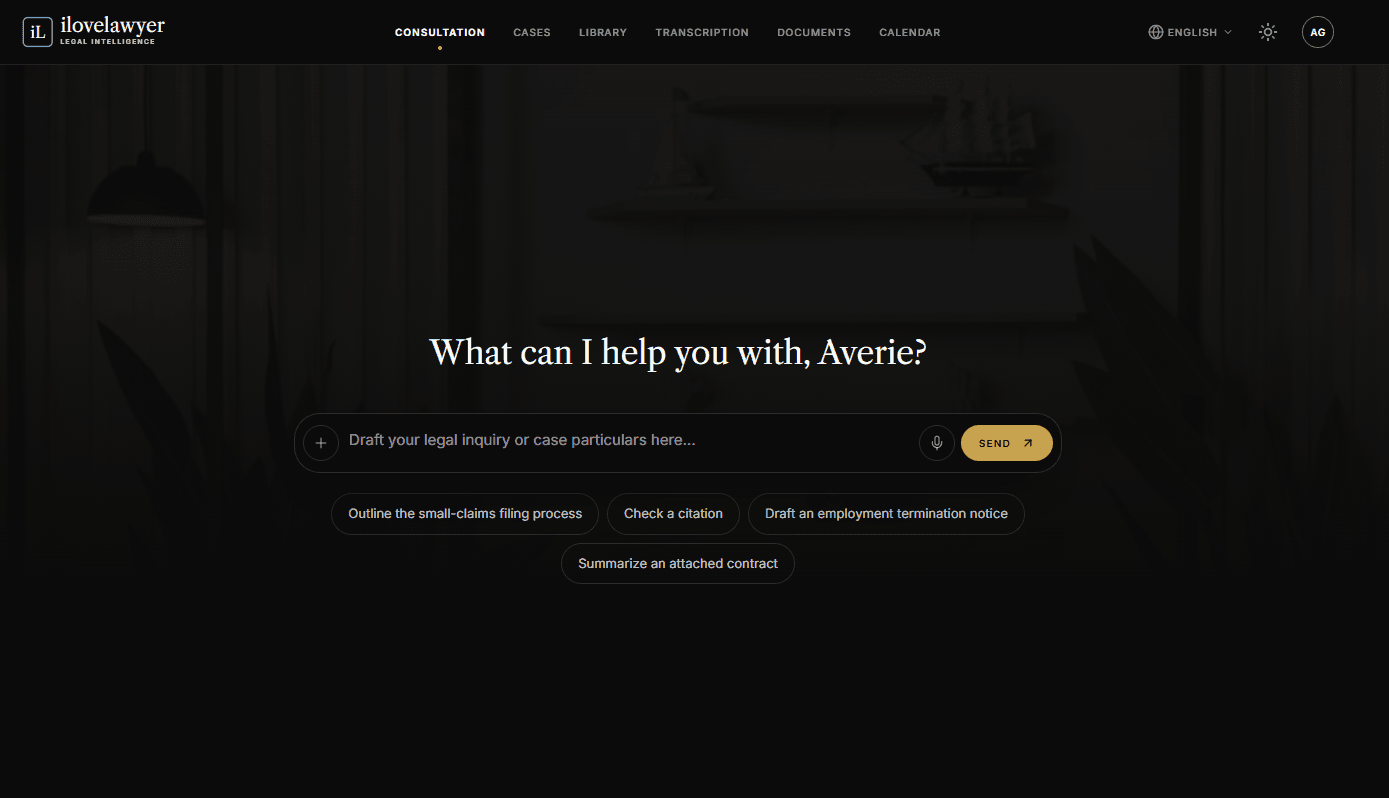
Upon accessing the ilovelawyer portal, users will be greeted by the Consultation screen, an interactive AI workspace designed to enhance legal inquiry and collaboration. This platform acts as a virtual aide, ready to assist in drafting various legal documents, analyzing details specific to cases, and strategizing legal approaches.
The central feature is the Interactive Composer, where users see a prompt inviting them to "Draft your legal inquiry or case particulars here...". This intuitive input box enables individuals to submit their legal questions, upload relevant files for easy reference, or even record inquiries via voice, making the process user-friendly and efficient.
Additionally, ilovelawyer offers Quick-Start Prompt Suggestions, featuring pre-configured query prompts such as evaluating illegal-dismissal remedies, clarifying the statute of limitations for specific claims, composing cease-and-desist letters, and summarizing uploaded contracts. These suggestions are crafted to assist users in initiating common legal processes swiftly.
A Persistent Chat History is also available along the left sidebar of the workspace. Users can view a continuous log of prior consultations, access a dedicated Gallery, and utilize a "New chat" button, providing straightforward options to manage previous discussions, including renaming or deleting old threads. Each consultation retains its unique link in the address bar to ensure that users maintain their place even if the page is refreshed.